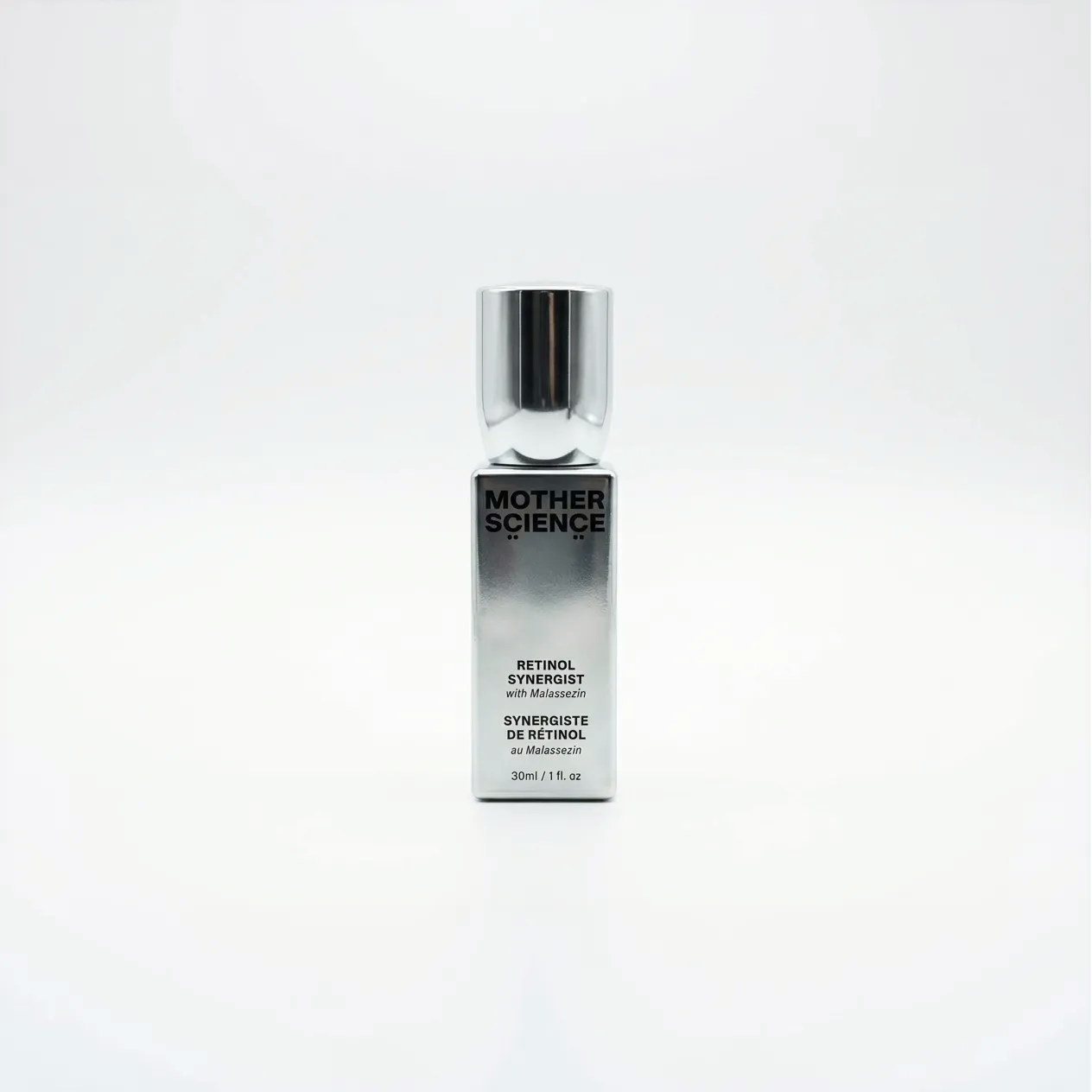
Product photography for Shopify is the set of images that sell your products on your store: clean main shots on white, multiple angles, lifestyle scenes, and detail close-ups, all sized and formatted for Shopify. Since a shopper cannot touch your product, the photos carry the entire buying decision. Strong, consistent images are the difference between a store that converts and one that gets browsed and abandoned.
Why product photos make or break a Shopify store
Online, the image is the product. A shopper decides in seconds whether to click into a listing, and the main photo does that work. Once inside, additional angles, scale references, and lifestyle shots answer the questions that would otherwise cause hesitation or returns. Clean, professional images also make a store look trustworthy, which matters even more for newer brands competing against established sellers.
The shots every Shopify product needs
- Main image on white: a clean hero shot that looks sharp in collection grids and search
- Multiple angles: front, back, sides, and top so nothing is a mystery
- Detail close-ups: texture, materials, and features that justify the price
- Scale reference: the product in hand or beside a known object
- Lifestyle shots: the product in use, which lifts conversions and works in ads
Shopify image specs to get right
| Setting | Recommendation |
|---|---|
| Format | JPG or PNG, or WebP for speed |
| Resolution | 2048 x 2048 px for crisp zoom |
| Shape | Consistent square or aspect ratio across all products |
| Background | Pure white for main images, consistent across the catalog |
| File size | Compressed so pages load fast without losing quality |
How to keep a catalog consistent
- Shoot every product with the same lighting, angle, and distance
- Use one background standard for all main images
- Keep the same crop and aspect ratio across the catalog so grids look clean
- Edit to a single color and brightness standard so products look like a set
- Compress images consistently to protect site speed and SEO
Frequently asked questions
What size should Shopify product photos be?
Shopify supports large images; around 2048 by 2048 pixels gives crisp zoom while staying manageable. Keep a consistent square or aspect ratio across products, and compress files so pages load fast.
How many photos should each product have?
Aim for at least four to six per product: a clean main image, multiple angles, a detail shot, and a lifestyle or scale image. More angles reduce hesitation and returns.
Do I need lifestyle photos or just white-background shots?
Both. White-background images win the click in collection grids and search, while lifestyle shots help shoppers picture the product in use and boost conversions on the product page and in ads.
Can I shoot Shopify product photos myself?
You can for simple products with good lighting, but consistency across a full catalog is hard to maintain. Professional product photography pays off when images need to match across dozens of listings and compete on a crowded marketplace.
Get product photos built for your store
Clean, consistent images are the highest-leverage upgrade most Shopify stores can make. If you sell online and want product photography that converts, see the product photography pricing page and get in touch with your catalog and goals.